How to Switch Fibre Providers Without Losing Connection
Switching ISP on the same network is a backend migration - often a seamless overnight cutover with no new install. How to switch without downtime, double-billing or losing your line.

In this article(8)
The short version
Switching fibre providers in South Africa is far easier than most people expect - if your new provider sells service on the same network operator (FNO) already installed at your address. In that case there's no new cable and no new install: it's a backend "migration", and the cutover often happens overnight with little or no downtime. You keep the same line and the same ONT.
The genuinely tricky parts are administrative: timing the cancellation of your old ISP so you don't lose service or pay two providers at once, and making sure the old ISP actually releases the line. Switching to a different FNO is another matter - that needs a fresh installation. This guide covers both.
ISP vs FNO - the difference that decides everything
South Africa's fibre runs on open-access networks, which separate the line (owned by the FNO - Vumatel, Openserve, Frogfoot, Octotel and others) from the service (sold by the ISP). That separation is what makes switching ISP so painless:
- Switch ISP, same FNO = easy. Only the service changes hands. The physical line and ONT stay exactly where they are. Often same-day or next-day, with many ports run in the early hours for near-zero downtime.
- Switch FNO = new install. Moving from, say, Openserve to Vumatel means a whole new physical installation - weeks of lead time and a possible install fee.
If you're not sure which network you're on, our Openserve vs Vumatel comparison explains how to tell and what each offers.
Switching ISP on the same FNO (the easy path)
This is the "migration" - and it's the scenario most people are in. Your new ISP takes over the existing line using its identifier (often called the B-number, usually found on or near the ONT). Because nothing physical changes, the switch can be scheduled as a quiet cutover - many ISPs run them overnight, so you go to bed on one provider and wake up on another.
The one risk to manage is line release: your old ISP must log the cancellation with the FNO and release the line, or it stays "locked" and the new ISP can't activate. Always get written confirmation that the old ISP has logged the release.
Your contract and notice rights
This is where money is won or lost. Under Section 14 of the Consumer Protection Act, consumers on a fixed-term contract can cancel with 20 business days' written notice. The supplier may charge a reasonable early-termination penalty, but it may not bill you the full remaining value of the contract.
Many ISPs phrase this as "one calendar month's notice". Note that 20 business days is roughly four weeks - quote both when you cancel. And watch the installation-cost clawback: cancel within the first ~12 months and the ISP can bill back the install fee they originally waived (often R1,000+). Month-to-month plans avoid most of this.
Router, static IP and email
On open-access networks the ONT stays and you typically just reconfigure your router with the new ISP's login (PPPoE) details. A few things to confirm:
- Router: usually you keep it, but some ISP-supplied units are locked or branded and must be returned - check with both providers.
- Static IP: these are ISP-specific and don't transfer - your IP will change.
- Email: ISP-hosted email addresses are usually lost on switching, so move to an independent provider first if you rely on one.
Step by step: switch without losing connection
- Identify your current FNO (your ISP portal, the ONT branding, or a coverage checker will tell you).
- Find a deal on the same FNO so no new install is needed - compare on best fibre deals.
- Order the migration with the new ISP, giving the line/B-number, and confirm it's a migration, not a fresh install.
- Schedule the cutover - often overnight and seamless.
- Sort equipment - keep and reconfigure your router; return any locked ISP-owned hardware.
- Cancel the old ISP in writing with the correct notice, and get written confirmation they've logged the line release. Check the final invoice for over-billing.
Gotchas to watch for
- A fixed-term contract still running - expect an early-termination penalty.
- "Installed, but different FNO" - that's a new install, not a migration.
- Complexes and estates with a single contracted FNO - you can usually only change ISP within that FNO, and some estate deals are single-ISP.
- Old ISP fails to release the line - the most common cause of a stalled switch; chase the written release.
- Brief double-billing - time the new activation to land just before the old cancellation to keep any overlap to a few days.
Frequently asked questions
Help someone else pick the right fibre
Now go and compare the deals
Prices below come from our own deal tracking, checked on 19 October 2026.
What each package actually costs per megabit, not just per month.
See the dealsRanked by price across every ISP and network we track.
See the dealsEvery package at 1 Gbps and above, with the cheapest route to that speed.
See the dealsRelated insights
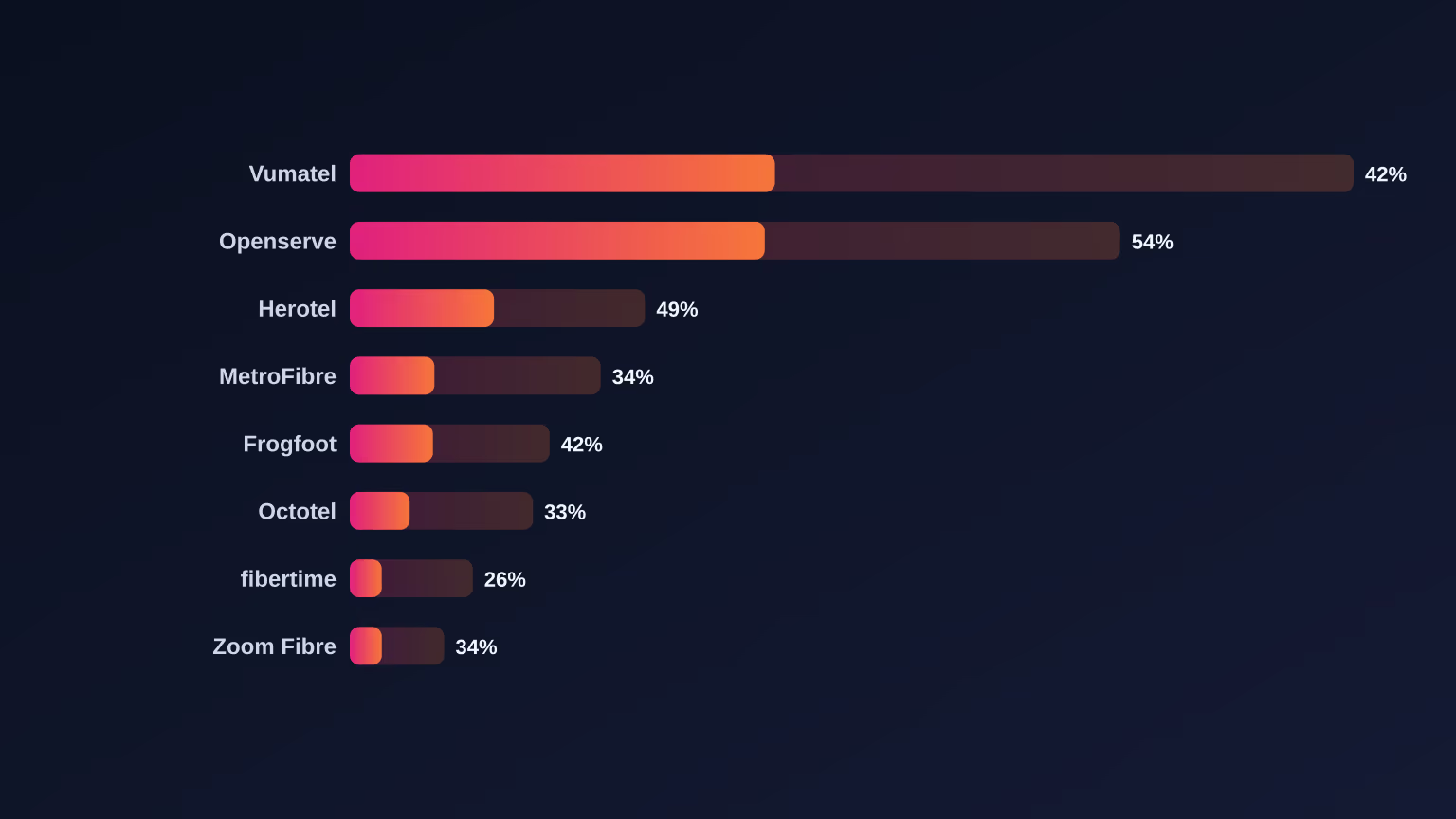
The Fibre Uptake Gap: Which SA Networks Actually Turn Coverage Into Customers
Read article
Openserve Launched Its Own ISP. Should You Switch, or Stick With a Reseller?
Read article
The April 2026 Openserve Price Increase: What Changed and What It Means for Your Bill
Read article
Did Webafrica Buy MWeb? What It Means for Your Fibre
Read article